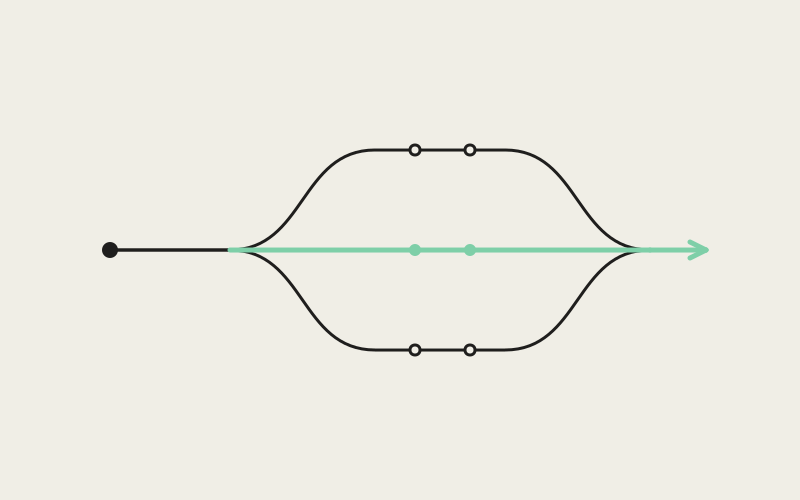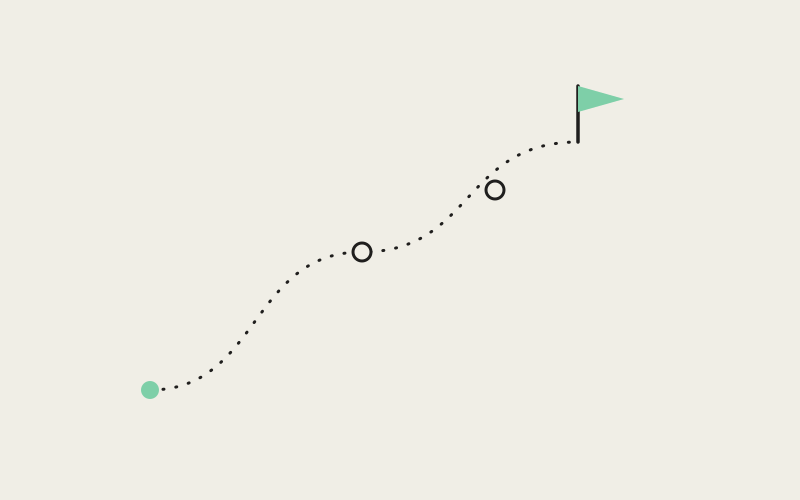
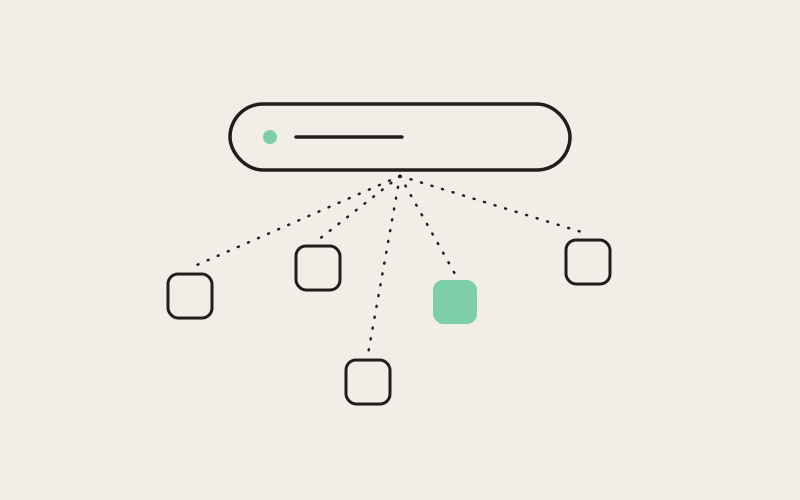
A command palette is not exactly a novel idea in developer tools — nearly every serious editor ships one, and nearly all of them search the same short, familiar list: files, commands, maybe a strip of open tabs. Influxx's Cmd+J palette has to search for something none of those tools ever had to worry about, because the things a developer loses track of here were never just files. They're live conversations with several different AI agents, running across several isolated worktrees, all open on screen at the same time. Build a search bar for files alone and it will miss precisely the thing people ask for most in a multi-agent workflow: not a document, but a conversation they half-remember having.
Why a Files-Only Palette Was Never Going to Be Enough
Open Influxx with more than one worktree running and the shortcut is the same one keystroke it always was: Cmd+J on macOS, Ctrl+Shift+J on Windows and Linux. What's different is everything that keystroke now has to search. In a single-repo, single-agent world, a command palette's job is narrow: find the file, run the command, jump to the tab. Influxx routinely has several agents running at once, each in its own isolated git worktree, each possibly on a different CLI — Claude Code investigating one bug, Codex mid-refactor in a different worktree, Cursor waiting on a decision three tabs over. None of those are files. All of them are things you need to get back to, fast, without thinking about where they live.
The Problem: "Which Tab Was That Agent In, Again?"
The moment this becomes a real problem is oddly specific, and any developer running more than one or two agents at once has hit it: you remember asking an agent to look into something, you remember roughly what you told it, and you cannot for the life of you remember which worktree, which pane, or which tab that conversation is sitting in. It gets worse in direct proportion to how well the work is going — the more agents you have running productively in parallel, across more worktrees, the more tabs and sessions pile up, and the more of them end up with similar-sounding task descriptions attached to them. "Fix the timeout in the retry logic" and "fix the timeout in the webhook handler" read almost identically in a tab strip at a glance, especially by the fifth context switch of the afternoon.
This was never a problem file search was built to solve, because it isn't a file. It's a conversation — a piece of a working session that exists in the moment, tied to a specific worktree and a specific pane, and easy to lose track of the instant you stop looking directly at it. Cmd+J exists specifically to close that gap.
What the Palette Actually Searches
The scope is deliberately broad, because the things a developer needs to jump back to are broad. Typing into Cmd+J searches across:
- Worktrees: every isolated worktree open in the workspace, by name and by repository.
- App settings: preferences and configuration screens, found by name instead of by menu-hunting.
- Available actions: the commands Influxx itself exposes — the category most command palettes are built around in the first place.
- Open browser tabs: any web preview open in the workspace.
- Open simulator and emulator tabs: mobile previews sitting alongside everything else.
- Open terminal and editor tabs: the tabs you'd otherwise be hunting for by eye in the middle tab strip.
- Agent sessions: live, retained, and sleeping — indexed by their prompts and titles, the same way ordinary tabs are indexed by their titles.
That last category is the one no file-search tool has ever had to build, and it's the one this feature actually exists for. An agent session isn't a file you saved — it's a prompt you typed, running somewhere, possibly still running, possibly finished and asleep. Indexing it by that prompt, and by whatever title it picked up along the way, means you can search for a phrase you remember typing to an agent and land on the exact session, instead of scrolling through worktrees hoping to recognize a tab by sight.
A Result Activates the Right Place — It Doesn't Just Highlight One
The detail that makes the palette actually useful in practice, rather than merely clever, is what happens after you pick a result. Selecting an entry doesn't scroll a list or drop a marker on something you still have to go find yourself. It activates the worktree that owns the result, switches to the correct split or pane group inside it, and opens the correct tab — all three, together, from one selection. Type a search term, press enter, and you're not looking at a highlighted row; you're looking at the actual agent session, mid-conversation, exactly as you left it.
That distinction — finding something versus arriving at it — is a design decision as much as an engineering one, and it's the reason the feature reads as instant rather than merely accurate.
"A lot of command palettes stop at the search. They'll happily tell you the thing you want is in tab fourteen of worktree three, and then leave you to go click it yourself. We didn't think that counted as finished. If I still have to go find the tab after the palette already found it for me, the palette only did half its job. Selecting a result had to mean arriving — the right worktree active, the right pane group, the right tab in front of you — or it wasn't worth building at all."
— Elena Vasquez, Director of Design at ETAPX
What's Deliberately Not in the Index
Cmd+J does not search terminal scrollback, and it does not search the contents of your files. It indexes titles, prompts, and metadata — not the entirety of what happened during a session. That's a boundary we drew on purpose, not a gap we haven't gotten around to closing.
Two reasons drove that boundary, and they reinforce each other:
- Scope, for privacy and performance: a search index that includes everything an agent ever printed to a terminal, or the full body of every file in every worktree, is a fundamentally heavier thing to build and reason about than one that indexes what you named something and what you asked for. Bounding the index to titles, prompts, and metadata keeps what's searchable close to what you deliberately put there.
- Scope, for the machinery required: because the index stays this narrow, it doesn't need a database, a persistence layer, or a background indexing service. It works by searching data that's already held in memory for other reasons — the same session state, tab titles, and prompts the app already tracks to run the workspace — rather than standing up a dedicated search backend from scratch.
Those two reasons are really one reason, seen from two angles: a narrower, more honest index is both the more private choice and the simpler one to build. We didn't have to choose between the two — narrowing the scope bought us both at once.
"We could have shipped something that full-text indexes every terminal's scrollback and every open file, and it probably would have demoed well — you'd technically be able to find anything. But 'anything' includes secrets that scrolled past in a log three hours ago, and it means standing up a real indexing pipeline: storage, invalidation, a background worker keeping it current. Titles, prompts, and metadata were already sitting in memory because the app needs them to run the workspace in the first place. We're searching data that already exists for another reason, not building a new system whose only job is search."
— Daniel Kwon, Staff Engineer, Agent Orchestration at ETAPX
Ranking: Predictable Beats Clever
The way results get ordered is deliberately simple. Cmd+J weights matches by which field they hit, in a fixed order, rather than running anything resembling a learned relevance model:
- A match in a title ranks highest — the name you or the agent gave the tab or session.
- A match in an agent's original prompt ranks next — the phrase you actually typed to kick off the session.
- A match in the owning worktree or repository name ranks lowest — useful context, but the broadest and least specific signal.
Nowhere in that ordering is there a model quietly learning what you tend to click on, or a relevance score that shifts over time based on usage patterns. The same query typed twice returns results in the same order, every time.
Why Not Something Smarter?
It would be easy to frame this as a limitation, but it's a trade-off we'd make again. A palette you reach for dozens of times a day only works if you trust it, and trust here means predictability specifically — knowing that if a search found the right result yesterday, the same search finds it the same way today. A cleverer ranking model might occasionally surface a marginally better result, but it would also occasionally surprise you, and a search bar that's sometimes clever at the cost of being reliably legible is a worse tool for something used this often. Simple and predictable beat clever and opaque, on purpose.
Finding the Session You Half-Remember
Put the indexing and the ranking together and the actual payoff is narrow and specific: you can search for a few words you remember typing into an agent — not the title you gave the tab, not the worktree name, just a fragment of the actual ask — and land back in that exact conversation. That's the use case the whole feature was built around, because it's the one earlier tools never had a reason to solve. Nobody needed to search "what did I ask my file editor to do" before, because an editor doesn't hold a conversation. An agent session does, and now it's searchable the same way a tab title always was.
"I had three agents going at once last week — one cleaning up a migration, one chasing a flaky test, one just answering questions about a library I didn't know well. All three tabs had forgettable names by the second hour. Instead of clicking through every worktree trying to recognize one by its terminal output, I hit the shortcut, typed a phrase I remembered asking — something like 'retry with backoff' — and it dropped me straight into that exact session. I didn't have to remember where it was. I only had to remember what I'd said."
— Owen Marsh, backend engineer running parallel agents on a data-pipeline migration
That's the actual test the feature has to pass, over and over: not "can it find a file," but "can it find the ten words I typed into an agent forty minutes ago, in a worktree I've since half-forgotten the name of."
Frequently Asked Questions
What does Cmd+J search that a normal command palette doesn't?
Most command palettes search a fixed, familiar set of things — files, commands, maybe open tabs. Influxx's palette searches all of that plus categories a single-agent tool never needed: open browser tabs, open simulator and emulator tabs, and — the category this feature was actually built around — live, retained, and sleeping agent sessions, indexed by their prompts and titles.
Does it search my terminal output or the contents of my files?
No, and that's deliberate. The index covers titles, prompts, and metadata — not terminal scrollback and not full file contents. That boundary keeps the index private by construction and keeps it built from data the app already holds in memory, rather than requiring a dedicated indexing system that would have to read everything in order to search anything.
Is the shortcut the same on Windows and Linux?
The key combination changes, the behavior doesn't. It's Cmd+J on macOS and Ctrl+Shift+J on Windows and Linux, matching the modifier keys each platform actually uses rather than forcing a Mac-specific shortcut onto every platform.
If a result matches in multiple places, how does Influxx decide what to show first?
By a fixed set of field weights, not a learned model: a title match ranks above a match in an agent's original prompt, which ranks above a match in the owning worktree or repository name. The same search typed twice returns results in the same order, which matters more for a palette used many times a day than a marginally smarter ranking would.
Does selecting a result just show me where something is, or does it take me there?
It takes you there. Choosing a result activates the worktree that owns it, switches to the correct split or pane group, and opens the correct tab — all in one action. You land in the actual session or tab, not a highlighted row in a list you still have to act on yourself.
Can I find an agent session that's already finished or gone to sleep?
Yes. The palette indexes live, retained, and sleeping agent sessions the same way, by prompt and title. A session doesn't have to still be running for you to search your way back into it.
None of this works as a gimmick bolted onto a file search box; it works because we treated an agent session as exactly the kind of thing worth indexing in the first place — a document, not an afterthought. As long as running several agents across several worktrees keeps multiplying the number of things open on screen, the search bar has to keep pace with what those things actually are. Cmd+J is our answer to that: one keystroke, one search term, and you're back in the exact conversation you were trying to find — not just told where it is.